php2shell: CVE-2026-109618 and CVE-2026-109619 in PHP and What to Do
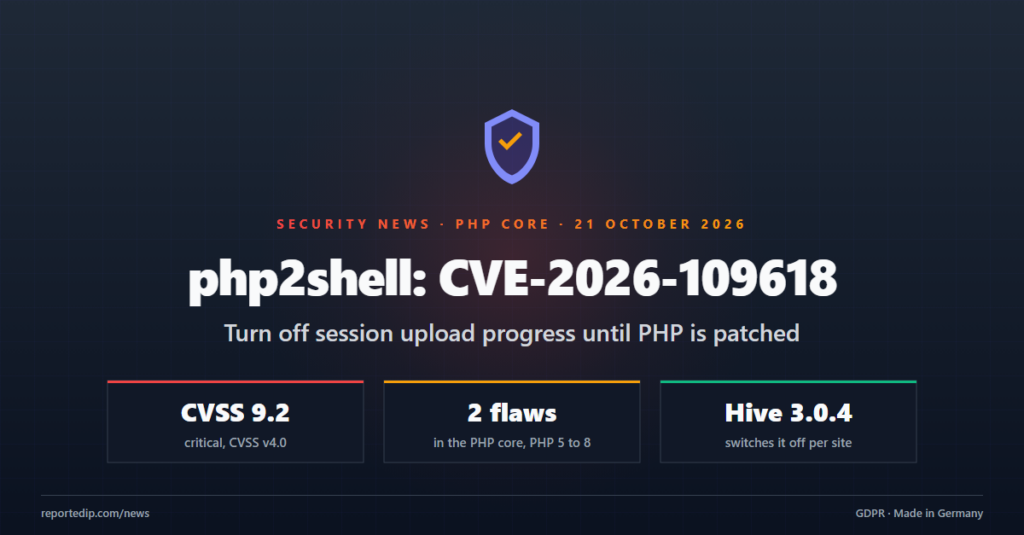
php2shell is the name for two critical remote code execution flaws in PHP itself, CVE-2026-109618 and CVE-2026-109619, rated 9.2 on CVSS v4.0. The details leaked on 20 October 2026, a day before the embargo ended, and the PHP team moved its security release to 21 October 2026 at 14:00 UTC.
Update PHP as soon as your host or distribution ships the fix. Until then, one PHP setting closes the reported attack path, and ReportedIP Hive 3.0.4 sets it for you when Extended Protection is on.
What is php2shell?
php2shell covers two bugs in the PHP core, not in WordPress, a plugin or a theme. CERT-EU describes them as potentially exploitable without authentication in its advisory 2026-018. Reports name PHP 5 to PHP 8 as affected. Official fixes are expected only for the supported branches, PHP 8.2 and newer.
On 21 October 2026 a security researcher stated that he had rebuilt both flaws. According to him, they are two heap use-after-free bugs in the handler for session.upload_progress, the function php_session_rfc1867_callback in ext/session/session.c. The PHP team has not confirmed this yet, and the official advisory comes with the release.
| Date (UTC) | Event |
|---|---|
| 20 October 2026, 15:20 | A post with embargoed details appears on Hacker News and is removed |
| 20 October 2026, 19:33 | The PHP team announces the security release one day early |
| 20 October 2026 | CERT-EU publishes advisory 2026-018 |
| 21 October 2026 | A researcher reports a working rebuild in the upload progress handler |
| 21 October 2026, 14:00 | Scheduled PHP security release |
Why can a WordPress firewall not stop php2shell?
Session upload progress is a PHP feature that reports how far a file upload has come. PHP runs it while it reads a multipart request body, when a form field named PHP_SESSION_UPLOAD_PROGRESS arrives together with a session cookie. That happens during request startup, before PHP runs the first line of any script.
A plugin firewall runs later, even the earliest kind. The Hive guard before WordPress is loaded through auto_prepend_file, and PHP executes that file only after the request body has been parsed. If the bug sits in the upload progress handler, the damage is done before any PHP code can inspect the request. This holds for every security plugin, not only for Hive.
What a plugin can still do is change a PHP setting per directory. session.upload_progress.enabled may be set in a .user.ini file or an .htaccess file, and PHP reads those files before it parses the body. With the setting off, PHP skips the upload progress handler completely.
What does Hive 3.0.4 change?
Hive 3.0.4 adds one line to the marker block that Extended Protection already writes for its guard. WordPress core, WooCommerce and the common form plugins do not use upload progress, so uploads keep working as before.
| Server setup | File | Line Hive adds |
|---|---|---|
| PHP-FPM, CGI or LiteSpeed | .user.ini in the WordPress root | session.upload_progress.enabled=Off |
| Apache with mod_php | .htaccess in the WordPress root | php_flag session.upload_progress.enabled off |
| nginx without PHP-FPM detection | none | Set the line in php.ini yourself |
Sites with Extended Protection pick up the line within an hour after an administrator opens any admin page. To apply it at once, switch Extended Protection off and on again on the Firewall tab of the Protection page. PHP-FPM caches .user.ini files for up to 5 minutes by default. We checked the result on our Apache test stack: ini_get() returned on before the update and off after it.
Sites without Extended Protection get no change, because Hive only writes these files after you opt in. The Extended Protection documentation explains which servers Hive can wire itself.
How do you switch off session upload progress yourself?
The safest place is the server configuration, because it covers every site on the server. Add this line to the php.ini of each PHP version that serves websites, or to the custom PHP settings field of your hosting panel:
session.upload_progress.enabled = Off
- Reload PHP-FPM afterwards, for example
systemctl reload php8.3-fpm. - Check the value with
php-fpm8.3 -i | grep upload_progress. The commandphp -ishows the command line configuration, not the one the web server uses. - Look for pool files that set the value back to on with
php_admin_value. - On shared hosting without php.ini access, put the line into a
.user.iniin the web root.
The PHP manual describes the feature on its page about session upload progress. Our sister company CMS ADMINS switched it off on all servers it manages on 21 October 2026, for every installed version from PHP 5.6 to 8.4, and keeps a German summary of the leak: php2shell at CMS ADMINS.
What should you do when the PHP patch is out?
- Install the PHP security release on every server that faces the internet first.
- For PHP 8.1 and older, ask your host or distribution for a backport, or move the site to PHP 8.2 or newer.
- Keep upload progress off until the advisory confirms which part of PHP was affected.
- Watch for PHP worker processes that start shells,
curl,wgetorpython. That pattern shows a successful exploit. - If you suspect a compromise, take the server off the network, keep the web server and PHP logs and search the web root for new PHP files.
The limits of the plugin are listed in the Hive guide. A flaw in the PHP runtime is one of them: the plugin can reduce the attack surface, and only the PHP update removes the bug.
Frequently asked questions
Does turning off upload progress break WordPress uploads?
Turning off session upload progress does not break uploads. The setting only controls the progress data PHP writes into the session during an upload. WordPress shows its own progress bar in the browser and does not read that data, so media uploads, plugin installs and form attachments work unchanged.
Is my site safe if WordPress and all plugins are up to date?
An up-to-date WordPress does not protect against php2shell, because the flaws sit in PHP below WordPress. What counts is the PHP version on the server and whether upload progress is off. The PHP version is shown under Tools, Site Health, Info, in the Server section.
Which Hive version adds the setting?
ReportedIP Hive 3.0.4, released on 21 October 2026, adds the setting on sites where Extended Protection is switched on. It is part of the free plugin from wordpress.org and needs no paid plan. Sites without Extended Protection need the php.ini line from this article.
Read on
An earlier vulnerability that the Hive firewall addressed: CVE-2026-19949 in All-in-One WP Migration. The current release line started with Hive 3.0 on wordpress.org.
Protect your WordPress site with community threat data, two-factor login and a two-layer firewall.