ReportedIP Hive 2.1.57: One Protection Page, One Tools Page
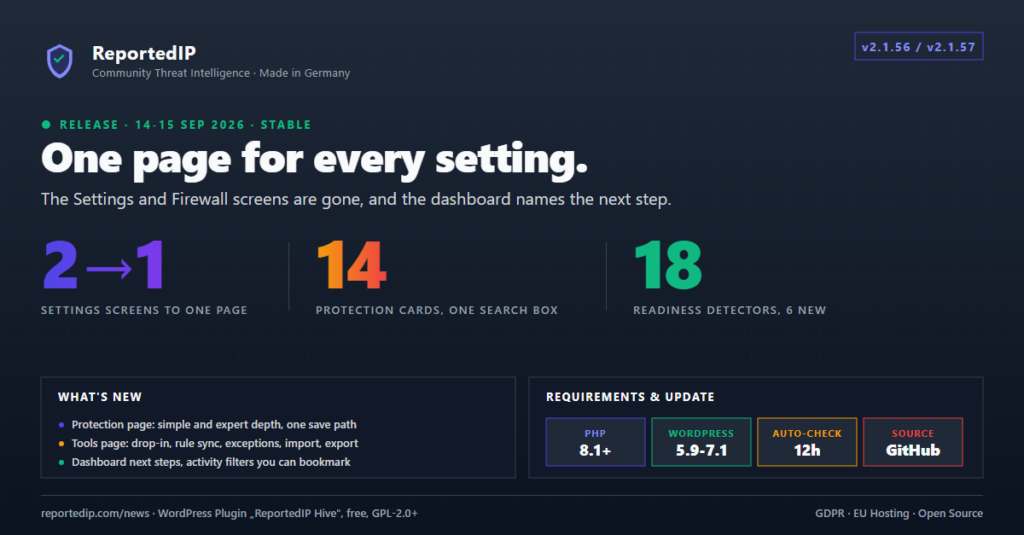
ReportedIP Hive 2.1.56 and 2.1.57, released on 14 and 15 September 2026, replaced the Settings and Firewall screens with one Protection page and moved everything that is not a setting onto a Tools page. 2.1.57 finished the rebuild with an Activity page that opens on the event log, a Community page in three tabs and a dashboard that names the next step.
Update from the WordPress admin or download the current ZIP from the Hive product page. The current release is 2.1.67, and the notes below say where something has moved or grown since. For a first setup, the quickstart guide is the better starting point.
What changed in the Hive admin with 2.1.56 and 2.1.57?
- 2.1.56 removed the Settings and Firewall pages and introduced the Protection page with fourteen cards, the Tools page and the expert switch.
- 2.1.56 renamed the Security menu entry to Activity and gave the dashboard a status banner and next-step cards.
- 2.1.57 rebuilt the Activity page around a filter bar and split the Community page into Settings, Community and Badges.
- 2.1.57 fixed a settings export that could switch protections off on the target site, and 12 other faults.
The menu under ReportedIP Hive now reads Dashboard, Activity, Protection, Community, System Status and 2FA Status. Tools joins the list in expert mode and is always reachable by its address.
Where did the Settings and Firewall tabs go?
Every old tab has a fixed new place, and old addresses with page=reportedip-hive-settings or page=reportedip-hive-firewall redirect there. Bookmarks, MainWP links and links inside readiness issues keep working in 2.1.67.
| Old tab | Where it is now |
|---|---|
| Settings, General | Community, tab Settings |
| Settings, Detection | Protection, card Detection & Thresholds |
| Settings, Blocking | Protection, card Blocking & Escalation |
| Settings, Hide Login | Protection, card Hide Login |
| Settings, Notifications | Protection, card Notifications |
| Settings, Privacy & Logs | Protection, card Privacy & Logs |
| Settings, Performance & Tools | Protection, card Performance & Footprint |
| Settings, Two-Factor Auth | Protection, card Two-Factor Authentication |
| Settings, Hardening Mode | Protection, card Attack Response |
| Firewall, WAF and Bot Verification | Protection, card Firewall & Bots |
| Firewall, Registration & Spam | Protection, cards Registration Rules and Form Protection |
| Firewall, Scan & Decoy | Protection, card Detection & Thresholds |
| Firewall, Hardening | Protection, cards Security Headers and Access Lockdown |
| Firewall, Rule Sync | Tools, tab Rules |
| Firewall, Server Setup | Tools, tab Server |
How does the Hive Protection page work?
In 2.1.57 Hive stored 181 settings in its settings registry, spread over two screens and more than a dozen tabs before the rebuild. Every area of the registry became a collapsible card on one page, each with a one-line status. A search box opens the matching card and marks the label it found.
The page has two depths. The simple view showed the 16 settings a site touches in daily operation, at most three per card. The expert view shows every field. Expert mode is a switch in the page header and is stored per person, so one administrator can work in the short view while another edits thresholds.
- Every card saves through the same service that MainWP, cloud fleet management and the settings import use, so validation, plan limits and error messages are identical on every path.
- A rejected value is reported at the card that produced it, not as a page-wide notice.
- Saving a card never resets a locked field. Disabled inputs are not part of the submission, and the save drops hidden and locked keys instead of writing empty defaults over them.
- Fields whose plan limit depends on the value, such as the registration lists and the firewall paranoia level, stay editable with the plan marker shown, and a value that crosses the line is refused.
Since 2.1.59 the page has 15 cards: Form Protection left the former Registration & Spam card, which is now called Registration Rules. The same release made every setting name the plan it belongs to and raised the simple view to 19 settings, plus the switches of a form plugin that is installed on the site. Hive 2.1.67 stores 190 settings.
What is on the Hive Tools page?
Server work, maintenance and diagnosis moved onto a page of their own with four tabs. Each Protection card that has a matching tool links to it from its footer.
| Tools tab | What you find there |
|---|---|
| Server | The Extended Protection drop-in and the web-server snippets |
| Rules | Rule sync, WAF exceptions and the attack-response status with its manual switches |
| Data | Settings import, export and reset, and the uninstall data switch |
| Diagnostics | The test mail, and since 2.1.58 the form protection self-test |
What does the Hive dashboard show after the rebuild?
A status banner at the top reads “Protection active since” followed by the setup date and the plan recommendation the site runs on. If settings differ from that recommendation, it adds how many. Without a stored key, or with the daily report quota used up, the same line turns into a warning with the way to fix it.
Below it, Next steps come from six advisory detectors that 2.1.56 added to the readiness register: the login address is still public, storefront 2FA is included in the plan but off, the footer badge is off, Extended Protection is supported but not running, the site runs Local Shield instead of the community network, or the administrator reading the page has no second factor of their own.
Those cards carry the action rather than a link to it. The badge and storefront 2FA switch on with one click, Hide Login takes a slug and switches itself on, and “Not now” hides a card for seven days. In 2.1.57 the readiness register held 18 detectors: 12 report a fault, 6 suggest an improvement. Since 2.1.58 it also suggests switching on the protection for a form plugin it finds, and since 2.1.67 it suggests a group when the plan includes one.
What changed on the Activity and Community pages?
The Activity menu entry opens straight on the event log. The page has three tabs, Activity, IP Lists and Advanced, and every list starts with one sentence that says what it is for. The filters left the table toolbar for a labelled filter bar: search, event type, severity, date range and the hardening toggle, with an “Apply filters” button and a reset link that names how many filters are active.
The filter bar is a GET form, so a filtered view survives paging, sorting and bulk actions, and a support ticket can carry the exact address of what an admin was looking at. The old tab=logs, tab=blocked and tab=api_queue links keep working. Since 2.1.67 the IP Lists tab has a Group view with the ban list your group shares.
The Community page opens on Settings, which holds the operation mode, the Community Access Key, the client-IP header, fleet management and the connection test. Community keeps contribution, daily quota, licensed domains and the plan overview. Badges replaces the former backlink tools with a one-click footer badge and its live preview, plus a banner builder whose templates set variant, number and wording in one click.
Which Hive 2.1.57 fixes matter on a real install?
- A settings export from a site still running on its defaults wrote empty values, and importing that file switched those protections off. The export now writes the values the site runs on, and the import skips empty entries from older files.
- A Community Access Key the service rejected no longer counts against the API health check. Pasting a wrong key twice during setup used to raise “Community threat checks are failing” for hours on a healthy network.
- The report-queue warnings stay silent in Local Shield and without a key. Leftover rows from an earlier Community period raised a critical issue whose remedies did not exist in that state.
- The dashboard banner reported the setup date as 1 January 1970. The stored date is now converted correctly.
- Seven score links opened the wrong card after the 2.1.56 split. Six lockdown items pointed at Security Headers instead of Access Lockdown, and the password check pointed at Detection instead of Password Policy.
- The Protection page showed the stored role list for 2FA as empty right after the quickstart had set it. Saving had worked; only the display was wrong.
- The stalled-cron issue now names the usual cause first: a site that cannot call its own WordPress cron over a loopback request.
What does the rebuild mean for MainWP and fleet management?
The remote protocol did not change. Because the Protection page saves through the same service as cloud fleet management and the MainWP bridge, a value refused in wp-admin is refused remotely too, and a value the plan does not cover is reported as skipped instead of being written. How the settings standard and the fleet transport came about is described in the Hive 2.1.49 release.
Frequently asked questions
Where are the Hive settings after the update?
All protection settings are on ReportedIP Hive, Protection, grouped in 15 cards with a search box at the top. The connection settings, meaning operation mode, Community Access Key and client-IP header, are on the Community page in the Settings tab. Old bookmarks to the Settings and Firewall pages redirect to the matching card.
Why is the Tools page missing from the menu?
The Tools page is listed in the menu only while expert mode is on. Switch it on in the header of any Hive page, and the menu shows Tools and the Protection page shows every field. The switch is stored for your own account only. The page itself stays reachable by its address in both modes.
Does the simple view switch off protection?
The simple view hides fields, it changes no value. Everything it does not show keeps running on the plan recommendation or on the value you set earlier, and saving a card never resets a hidden field. Each card lists the expert settings it holds back, with a link into the expert view.
Read on
- Hive 2.1.54 release: the one-page quickstart that came just before the rebuild.
- Hive 2.1.62 release: the audit trail on the Activity page.
- Hive plugin documentation: features per plan, the sixteen sensors and their defaults.