WordPress 7.1.4 fixes an upgrade race condition: how Hive blocks it
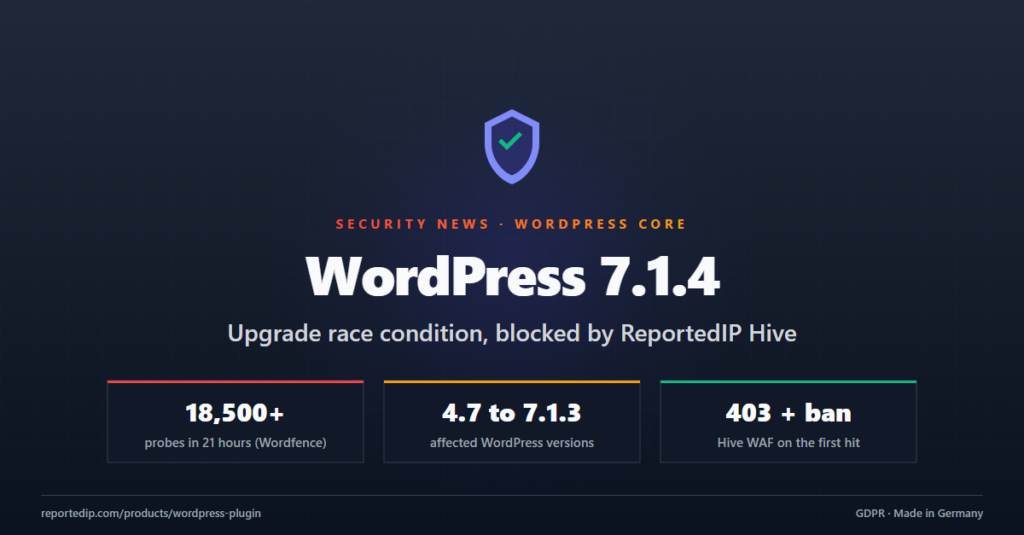
WordPress 7.1.4 fixes a race condition in the core updater that let an attacker without an account take over a site in the few seconds an update runs. Attackers are already scanning for it, and ReportedIP Hive blocks these requests on every installation.
Update WordPress first. The rest of this post explains the bug, why most plugin firewalls do not see the attack, and what Hive does about it.
What is the WordPress 7.1.4 upgrade race condition?
When WordPress installs a full core update, it unpacks the whole package into a folder under wp-content/upgrade/. Before 7.1.4 that folder had a predictable name: the package name plus a short random suffix. The cleanup step also removed the index.php that normally protects the folder.
For a few seconds the folder holds a complete, runnable copy of WordPress. An attacker who requests the staged wp-admin/setup-config.php or install.php in that window can point the copy at a database they control and end up running their own code on the server. No login and no user interaction are needed.
The issue was reported by Umut Bayram. The WordPress 7.1.4 release post describes it as a weakness in the upgrade process that can lead to remote code execution during the upgrade window. At the time of writing there is no CVE ID for it.
Which WordPress versions are affected and which fix it?
| Item | Details |
|---|---|
| Affected | WordPress 4.7 to 7.1.3 |
| When a site is exposed | Only while a full core package is unpacked during an update |
| Fixed in | 7.1.4, 7.0.8, 6.9.11, 6.8.12 |
| Older branches | Backports down to 4.7.39 |
| Reported by | Umut Bayram |
| CVE | None assigned at the time of writing |
The fix changes three things. The staging folder name now ends in 16 random characters. The protecting index.php stays in place. And wp-config.php is no longer copied out of the working folder. Patchstack and HOL walk through the patch in detail.
Are attackers already scanning for the upgrade bug?
Scanning started right after the release. Wordfence counted more than 18,500 requests aimed at staged installer paths in the first 21 hours, as GBHackers reports. The scanners poll likely folder names over and over and wait for a site to start an update.
Why do ordinary WordPress firewalls miss this attack?
The staged copy boots from its own files. A request for wp-content/upgrade/…/wp-admin/setup-config.php never loads the site’s real WordPress, so none of the site’s plugins run for it. A firewall that lives inside a plugin cannot block a request it never sees. Patchstack and Wordfence both say the same about PHP-level firewalls.
How does ReportedIP Hive protect against the upgrade race?
We protect our customers. The Hive WAF blocks these requests, and the Hive update 3.0.6 has been rolled out to close the update window on Apache.
A new WAF signature in the rule feed
The rule feed that every Hive installation receives contains a signature for this attack. It matches any request for a PHP file under wp-content/upgrade/ or wp-content/upgrade-temp-backup/. No legitimate request ever loads PHP from there, so the rule does not get in the way of normal updates.
- It is active for all plans, Free included.
- Sites in Community Network mode pick it up automatically. Nobody needs to change a setting.
- On a hit, Hive answers with 403 and bans the IP on the first request.
- The IP is shared with the community network, so scanning IPs land on the shared blocklist for every connected site.
Where the request reaches WordPress, Hive blocks it
A WAF inside WordPress can only act on requests that reach WordPress. On Apache, requests for staging paths that do not exist fall through to WordPress, so scanners that guess wrong folder names get caught and banned there. Sites with Extended Protection switched on run the firewall before WordPress starts, so they are covered even while an update is unpacking.
Hive 3.0.6 closes the update window on Apache
The gap is the folder that does exist during an update. Hive 3.0.6 handles it per web server:
- Apache: Hive writes a rewrite rule into the site’s root
.htaccessautomatically. It routes every PHP request underwp-content/upgrade/to WordPress, where the WAF blocks it, also in the middle of an update. - nginx: nginx does not read
.htaccess. The Hive firewall settings show a ready-made snippet to add to the server block:location ^~ /wp-content/upgrade/ { rewrite ^ /index.php last; } - Local Shield: the rule also ships in the bundled baseline, so sites without a feed connection get it with the update.
The update arrives through the normal WordPress update screen, like the Hive 3.0.5 release before it.
What should WordPress site owners do now?
- Update WordPress to the patched version for your branch: 7.1.4, 7.0.8, 6.9.11, 6.8.12 or the backport for an older branch.
- Search the access logs for requests to
setup-config.phporinstall.phpunder/wp-content/upgrade/. - Check that
wp-content/upgrade/holds nothing butindex.php. - Look for admin accounts you do not know and for PHP files in
wp-content/uploads/.
Without Hive, you can block the folder at server level. The rules below refuse every request to it:
# nginx, inside the server block
location ^~ /wp-content/upgrade/ { deny all; }

# Apache, in the root .htaccess
RedirectMatch 403 ^/wp-content/upgrade/
Either rule is a sensible addition to the WordPress hardening checklist, with or without Hive.
FAQ about the WordPress 7.1.4 security release
Do Hive users need to do anything?
Hive users only need to update WordPress itself. The WAF signature reaches connected sites through the rule feed on its own, and the Hive 3.0.6 update writes the Apache rule automatically. On nginx, add the snippet shown in the Hive firewall settings to close the update window as well.
Is a site at risk when it is not updating?
A site is only exposed while a full core package sits unpacked in wp-content/upgrade/, which lasts a few seconds per update. Outside that window the staged installer does not exist. Sites with automatic core updates run through that window on their own, so patching to 7.1.4 still matters.
Does the Hive rule block normal WordPress updates?
The Hive rule does not block updates. WordPress unpacks and copies the files on the server itself and never loads PHP from the staging folder over HTTP. Only outside requests for those PHP files match the rule, and no legitimate visitor or service sends them.
ReportedIP Hive blocks attacks like this one for every connected site and shares the attacking IPs with the community network. The Free plan includes the WAF rule feed.