ReportedIP Hive 3.0.7: spam protection for Divi contact forms
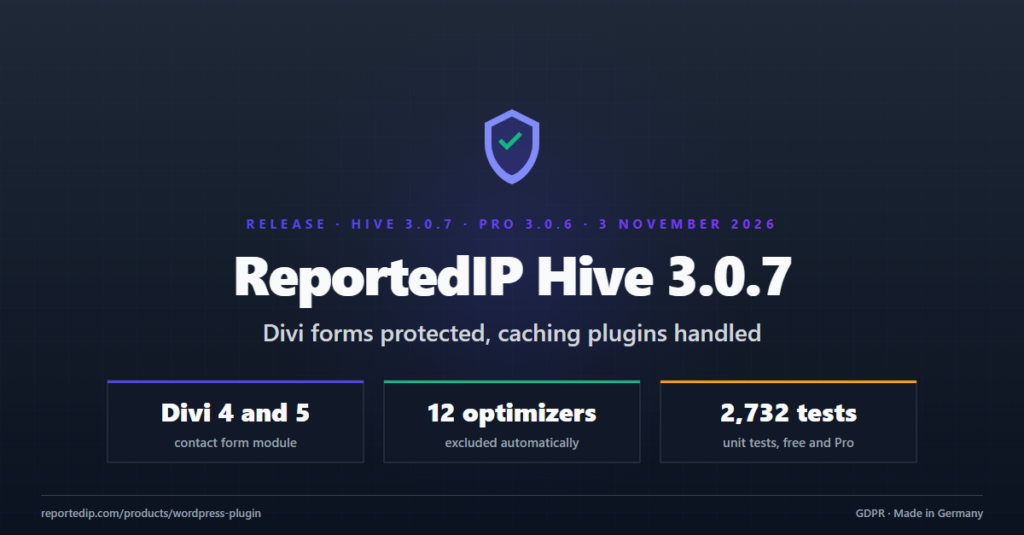
ReportedIP Hive 3.0.7 and the Pro add-on 3.0.6 bring spam protection to Divi contact forms and keep the form protection working next to caching and optimization plugins. Both updates are out now, the free plugin on wordpress.org and the Pro add-on on reportedip.com.
Nothing has to be configured by hand. On a site with the Business plan, the Divi switch turns itself on after the update, and the exclusions for the caching plugins are registered automatically.
How does Hive protect Divi contact forms?
Hive Pro 3.0.6 adds the Contact Form module of Divi to the protected forms. It covers the Divi theme in version 4 and 5 and the Divi Builder plugin. The check is the same one Hive already runs on Elementor Forms, Gravity Forms, WPForms and the other supported form plugins: a hidden field that a bot fills and a person never sees, and an execution proof that a real browser completes in the background while the visitor types.
- Visitors see no new field, no image to read and no extra step.
- Divi’s own math captcha stays as it is. You can keep it or switch it off in the module settings.
- Divi 5 renders its forms as blocks and sends them without the Divi 4 script. Hive handles both ways.
- The switch is called Protect Divi contact forms and sits under Protection Settings, Forms. It is part of the Business plan of the Hive Pro add-on.
What does a sender see when Hive refuses a Divi form?
A refused submission never disappears without a word. The sender reads the reason in the message box of the form, in the same place and style Divi uses for its own errors, and the form stays on screen with everything typed so far. No mail goes out, and a redirect configured in the module is not followed.
We tested this on live Divi 4.27 and Divi 5.12 sites with simple contact forms and with an order form that shows fields depending on earlier answers. Real submissions arrived as before; submissions with a disposable mail address were refused with the message in the form and no mail was sent.
Which caching and optimization plugins does Hive 3.0.7 handle?
Optimization plugins remove CSS they think is unused, delay JavaScript until the first click or combine scripts into one file. For the form protection that is a problem: a delayed script cannot complete the execution proof in time. Hive 3.0.7 registers its form protection script and styles as exclusions in these 12 plugins:
| Plugin | Plugin | Plugin |
|---|---|---|
| WP Rocket | LiteSpeed Cache | Perfmatters |
| FlyingPress | Autoptimize | SiteGround Optimizer |
| Hummingbird | Jetpack Boost | W3 Total Cache |
| WP-Optimize | Breeze | Cloudflare Rocket Loader |
You do not have to enter anything in these plugins. After the update Hive empties the page caches once, so cached pages pick up the new form markup.
Why could the hidden form field become visible?
The hidden field was hidden by a style rule in the page. On one site WP Rocket removed that rule as unused CSS, so the field showed up under the form. A browser that fills forms automatically then put a value into it, and Hive judged the visitor a bot. Since 3.0.7 the field hides itself through its own style attribute, which no CSS optimizer touches.
What else changed in Hive Pro 3.0.6?
The script that sends a customer to the 2FA challenge in the WooCommerce block checkout is now on the same exclusion list. Delayed by an optimizer, it could miss the moment it has to react and leave the customer at the checkout without the challenge.
How do I update to ReportedIP Hive 3.0.7?
| Part | Version | Source |
|---|---|---|
| ReportedIP Hive | 3.0.7 | wordpress.org, regular plugin update |
| ReportedIP Hive Pro | 3.0.6 | reportedip.com, regular plugin update |
Both updates come through the normal WordPress update screen. The Pro add-on 3.0.6 also runs with older versions of the free plugin, but the optimizer exclusions only take effect with Hive 3.0.7. The full list of changes is in the Hive changelog, and the free plugin is listed in the WordPress plugin directory.
The previous update, Hive 3.0.6, closed an attack path in the WordPress core updater; the details are in our post on the WordPress 7.1.4 updater race. How the form protection works without a captcha is explained in the guide on form spam protection without captcha.
Protect your WordPress forms, logins and admin accounts with ReportedIP Hive.